
Appearance
Set up data forwarding
Data forwarding pushes new device reports to an external endpoint, messaging service, database, or object store after the platform receives them. The interface calls these configurations forwarding profiles.
Choose a destination
| Type | Destination |
|---|---|
| HTTP POST | Webhook, application server, or cloud function |
| MQTT | MQTT broker and subscribers |
| MongoDB | External document database |
| InfluxDB | Time-series database |
| S3 / OSS | S3-compatible object storage |
Choose a channel type available to your organization. Other channels using generic JSON configuration need their own supported service and parameters; do not reuse the settings above without checking them.
Create a profile
A Manager or Owner can open Organization → Data → Data Forwarding:
- Click New Profile and select a channel type.
- Enter the destination, credentials, and type-specific parameters.
- Set a name, priority, and enabled status, then save.
- Have the device report new data and check the receiving system for the expected time, point, and value.
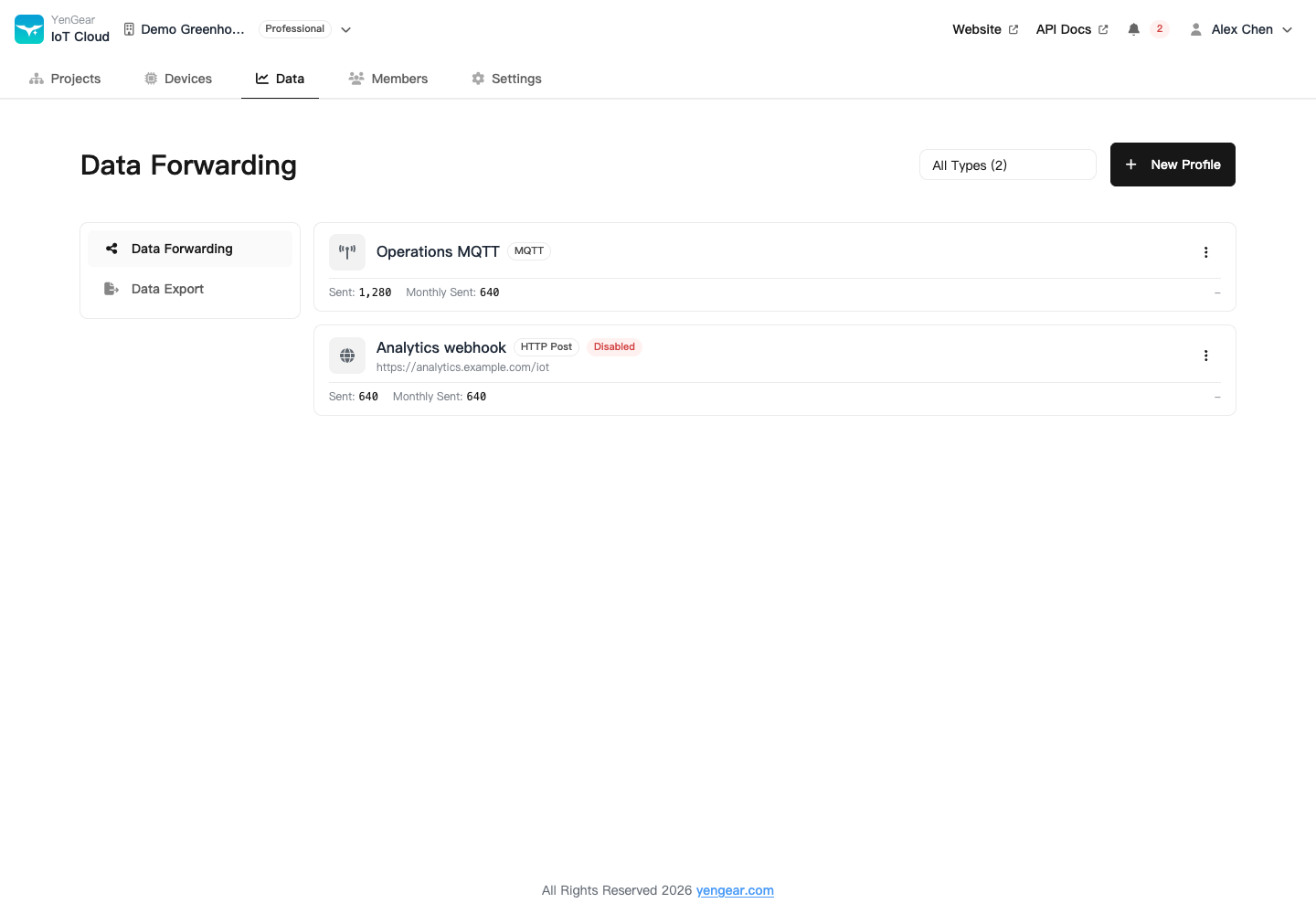
Forwarding is an organization-wide shared setting. Before granting Manager access or a Manager token, check whether the receiving system should receive data from that organization.
Priority and status
Higher priority values run first. Each profile sends to its own destination; priority does not make one profile's output the next profile's input.
Cards show total and monthly sent counts. After a change, verify newly reported data at the destination. An existing cumulative count does not prove the new settings work.
Disable a profile to pause sending. Record needed parameters before deleting it. Re-enabling does not automatically replay historical data from the paused period.
Update credentials
Saved secrets are not displayed in plain text. When a field says that it is configured and leaving it blank retains the value, leave it blank to keep the existing secret. Enter a new value to replace it.
Payloads and historical data
Records carry a point identifier, time, and value. See each channel guide for its format. Receivers must process batches containing multiple points rather than only the first array entry.
Use the Open API to request older records, or data export to download files.